This week I want you to make a digital vision board and set it as you phone lock screen and computer wallpaper.
Benefits of a digital vision board:
- It’s always with you, which lets you meditate on it at any time, multiple times a day.
- There is no mess, no waste, and you can keep it forever to see your progress.
- You won’t feel silly when your house guests ask about or tease you for having a vision board.
My Personal Experience
Before I made my most recent vision board, it had been years since I had made my last one. I was probably a teenager the last time I made a “proper” vision board. In college I had collaged together some bits that made me smile, but there was no goal associate with it.
I had thought that my time leafing through magazines, cutting out scraps and getting my fingers covered in glue, was over. I didn’t subscribe to any magazines or have access to any that I could cut up. I also just didn’t want the waste of a magazine in my home. I had even gotten rid of my printer, so there was no foraging on Pinterest for images to print out, cut up, and glue down.
So my time with vision boards was over, and honestly I didn’t miss it.
I was watching a youtube video from Shadow Harvest one afternoon and she was talking about vision boards and a few other topics. I heard vision board and my ears perked up. I assumed that she was going to talk about the common way of creating a vision board with a magazine and some glue. But she didn’t.
Shadow Harvest actually created a digital vision board that she uses on her phone lock screen. This was she sees and interacts with her vision board every time she grabs for her phone. I thought the idea was genius. So I set out to make my own.
One of her tips was to keep the vision board simple and only have a few things on it. And also to choose photos of your goal that you have taken yourself if at all possible.
my digital vision board rules
- K.I.S.S. Keep it simple stupid.
- Take your own photos.
Like her, I used a photo editing app that had a grid option to easily drop in the photos for your vision board phone wallpaper. I loved this so much that I ended up recreating my digital vision board as my computer wallpaper too. For that I just used Photoshop, a free option would be GIMP.
I landed on 8 goals for my digital vision board. One was something that I wanted to have in the future and the rest were skills and habits that I wanted to develop. Here is my digital vision board:
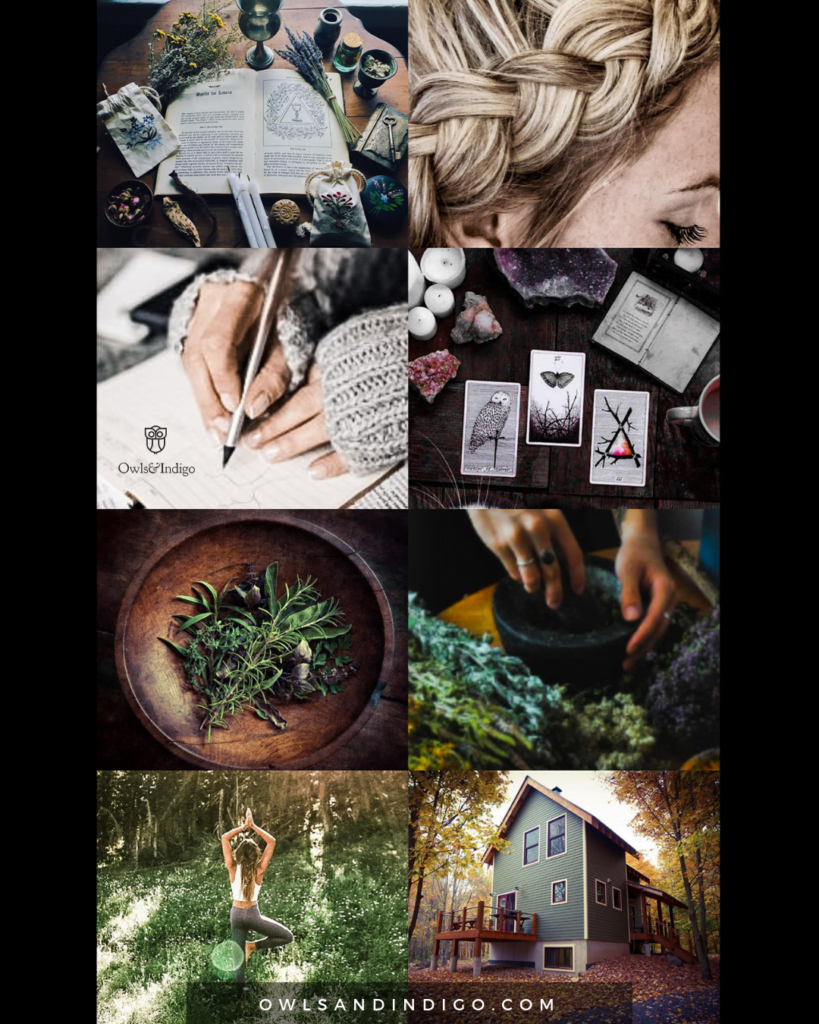
- I wanted to reconnect with ritualistic aspects of my life day to day, whether magical or mundane.
- get better at braiding my hair
- write more.
- learn a bit more about tarot or at least look at the cards everyday.
- learn more about plants and their medicinal uses.
- actually use them more like i use to.
- develop my yoga practice
- live in a beautiful house in the woods.
I have been able to make amazing headway on 1-6. I am still trying to find the space for my yoga practice. And finding this house in the woods in a long term goal I have with my husband as a couple.
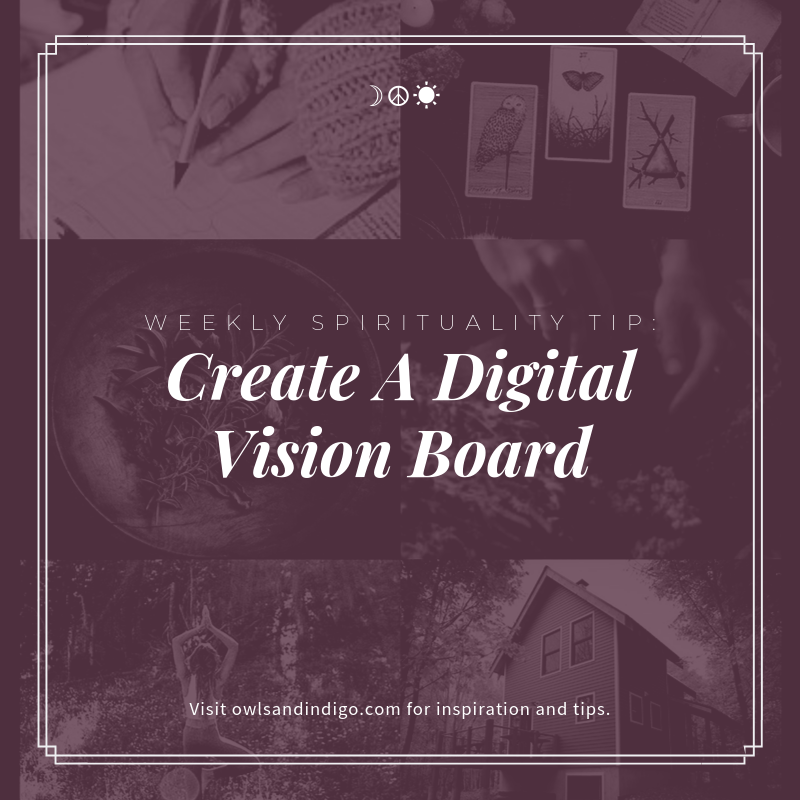
things to remember
- K.I.S.S. keep it simple stupid, less is better because it’s more focused.
- Take your own photos if you can.
- Choose images that inspire you.
By creating my own digital vision board, I have kept my goals top of mind by setting them as my device wallpaper, AND kept them constantly in my subconscious. I have noticed that I am taking actions in various ways every day that nudge me towards building these skills, habits, and goals.
This practice of keeping a digital vision board has also kept me inspired AND given me a small window into my future when I am feeling stressed or having a panic/anxiety attack. All I have to do is get out my phone and look at this digital vision board to remind myself of what is coming, because “I” am working to make it happen. And that brings me peace.